Introduction
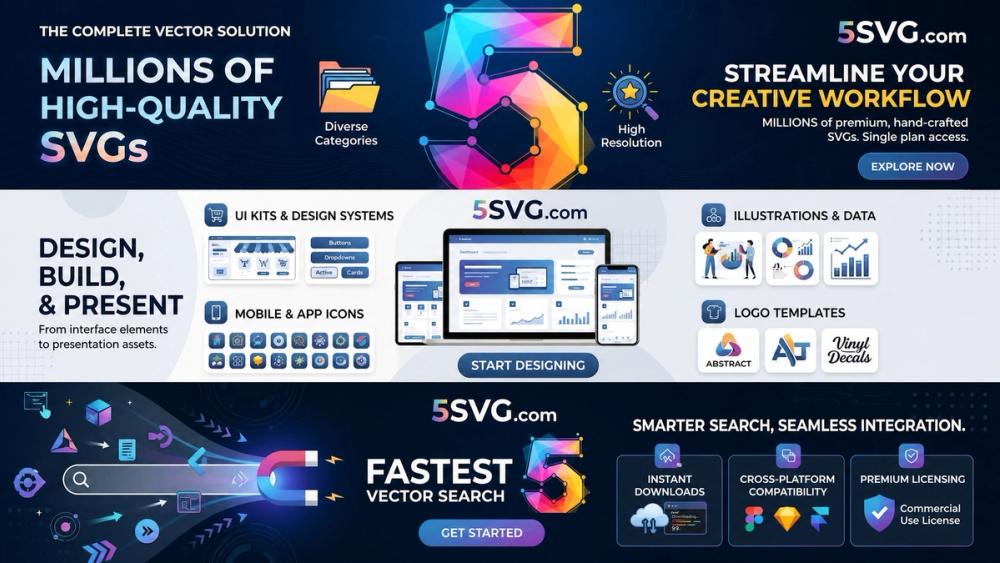
5SVG is a free online library for SVG logos and icons. The public site presents 5SVG as a place to browse, search, download, copy, and save SVG files for crafts, design, mockups, school projects, and maker workflows.
The product is most useful for designers, students, makers, Cricut and Silhouette users, Canva users, and developers who need clean vector assets without creating them from scratch. Its clearest value is the combination of quick browsing, no-account downloads, and a public REST API. A careful user should still check brand usage rules before using logos commercially, because the site notes that logos and trademarks belong to their owners.
Key Features
- Free SVG library: 5SVG offers a collection of SVG icons and brand logos that can be browsed and downloaded at no cost.
- No signup required: The public page says users can browse and download without creating an account.
- Search and category browsing: Users can search by name or browse categories to find relevant SVG assets.
- One-click download and copy: The site highlights one-click download and copying SVG code for use in design workflows.
- Favorites stored locally: The FAQ says favorites are stored locally in the browser on the current device.
- Design and craft compatibility: 5SVG mentions use with Cricut, Silhouette, Canva, Figma, PowerPoint, browsers, design software, and vinyl cutters.
- REST API access: The 5SVG API documentation describes endpoints for listing SVGs, filtering by category, searching by title, and fetching raw SVG markup.
- Light and dark variants: API responses may include optional light and dark SVG variants, depending on the asset.
Use Cases
5SVG is a practical resource for people who need vector logos or icons for personal and educational projects. The site describes use cases such as mockups, learning design, party crafts, mood boards, school projects, shirts, tags, stickers, and home print projects.
For makers, the most direct use case is downloading an SVG and importing it into Cricut Design Space, Silhouette Studio, or another app that accepts vector files. Because SVGs scale without becoming blurry, they are especially useful for cutting machines, stickers, posters, and simple illustration work where crisp edges matter.
Developers and plugin builders may find the REST API valuable. The API is presented as a way to list, search, filter, and fetch SVG markup for apps, plugins, extensions, and design tools. The documentation also sets an important boundary: the API should not be used to recreate the same product as 5SVG, and request limits exist to prevent abusive use.
Pricing
5SVG is presented as free to browse and download. The site says the library has no signup and no paywall, and the API documentation describes free access to the SVG library.
There is no paid tier or subscription detail visible in the fetched public material. That makes 5SVG easy to evaluate for casual use, but professional users should still check current terms, trademark restrictions, and any API limits before relying on it in a commercial or automated workflow.
User Experience and Support
The browsing experience is built around speed and simplicity. Users can open the library, search for a logo or icon, choose a category, and download or copy the SVG. The site also includes explanatory content about what SVG files are and why they are useful compared with PNG files.
Support appears to be mainly self-serve through on-page explanations, common questions, and API documentation. The site explains compatibility with design tools and cutting machines, account requirements, browser-local favorites, and responsible logo use. No dedicated support channel is visible in the fetched evidence, so teams that need direct assistance should verify whether contact or support options are available elsewhere.
Technical Details
SVG stands for Scalable Vector Graphics. The site explains that SVG stores shapes and paths as math rather than pixels, which allows logos and icons to stay crisp when resized. This is why SVG files are useful for logos, icons, cutting machines, posters, and design mockups.
The REST API provides JSON endpoints for listing every vector icon, applying a limit, filtering by category, searching by title, fetching raw SVG code, and retrieving categories. The documentation includes TypeScript response shapes with fields such as id, title, category, route, url, wordmark, and brandUrl. The API is open without authentication at the time described, but it has request limits and usage restrictions.
Pros and Cons
Pros
- Free SVG logo and icon browsing with no account required.
- Useful for makers, students, designers, and people working with Cricut, Silhouette, Canva, Figma, PowerPoint, and similar tools.
- SVG format stays sharp when resized, which fits stickers, posters, decals, and other vector workflows.
- Includes both a human-friendly web library and a developer-oriented REST API.
- API documentation provides endpoints, JSON response examples, and TypeScript types.
Cons
- Logos and trademarks belong to their owners, so commercial use requires extra care and guideline checks.
- Favorites are stored locally in the browser, which may not sync across devices.
- The API is rate-limited and should not be used to recreate the same product.
- Dedicated support options are not clearly visible in the fetched public material.
FAQ
What is 5SVG used for?
5SVG is used to browse, download, copy, and save SVG logos and icons. The site positions the library for crafts, design, everyday projects, mockups, educational work, and maker workflows.
Are SVG files on 5SVG free?
Yes. The public page says users can browse, search, and download at no cost, with no account required. Users should still use brand logos responsibly because trademarks belong to their owners.
Can I use 5SVG with Cricut or Silhouette?
Yes. The site says users can download an SVG and import it into Cricut Design Space, Silhouette Studio, or any app that accepts vector files.
What is the difference between SVG and PNG?
The site explains that PNG is pixel-based and can look soft when enlarged, while SVG is vector-based and stays sharp at any size. That makes SVG better suited for logos, icons, and cutting-machine projects.
Does 5SVG provide an API?
Yes. 5SVG provides a REST API for listing SVGs, searching by title, filtering by category, fetching raw SVG markup, and retrieving categories. The API is currently described as open without authentication, but request limits apply.
Do I need an account to use 5SVG?
No. The site says users can browse and download without signing up. Favorites are stored locally in the browser on the current device.
Can developers use the 5SVG API in products?
Developers can use the API for extensions, plugins, or tools that help the community. The documentation says not to use the API to create the same product as 5SVG, so developers should read the API limitations before building around it.
Conclusion
5SVG is a focused SVG resource for people who need free logos and icons for design, crafts, learning, and lightweight development workflows. Its strongest public signals are free access, no-account browsing, simple downloads, local favorites, and an open REST API for developers.
For personal and educational use, it is straightforward to try. For commercial or automated use, the important next step is to review brand guidelines, API limits, and the site's usage restrictions before making 5SVG part of a repeatable workflow.