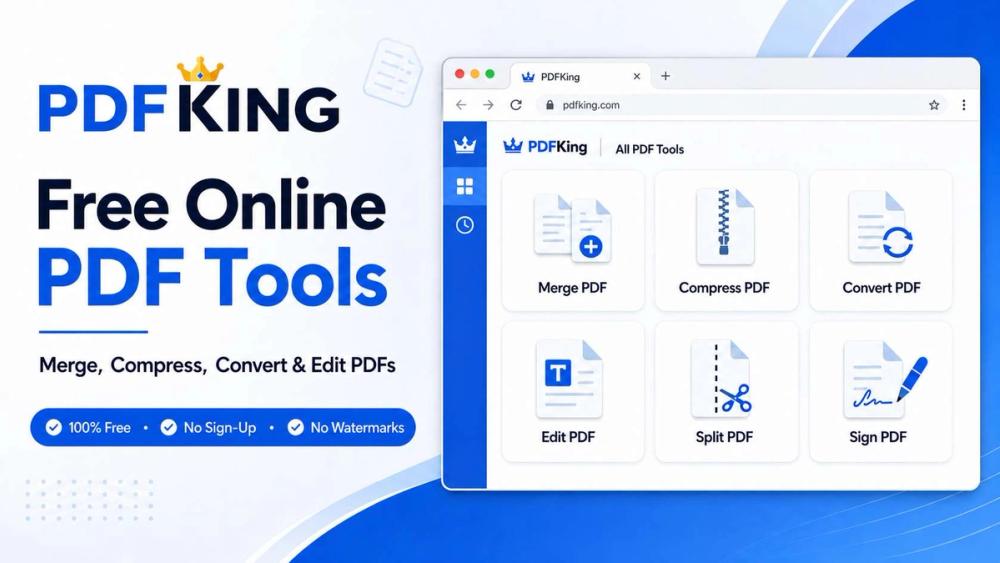
Free PDF Tools That Keep Your Work Moving
PDFKing is an all-in-one online workspace for completing everyday PDF and document tasks quickly. It brings more than 22 free tools together in one clean, browser-based platform, helping users work with documents without installing software or creating an account.
What can you do with PDFKing?
- Merge multiple PDF files into one document
- Split PDFs and extract selected pages
- Compress PDFs and images
- Convert PDF to Word, JPG, and text
- Convert Word, JPG, and HTML files to PDF
- Edit and annotate PDF documents
- Reorder, rotate, crop, or delete PDF pages
- Add page numbers and watermarks
- Sign, redact, protect, and unlock authorized PDF files
- Edit PDF metadata
Why choose PDFKing?
- 100% free: No paid subscription or hidden download fees
- No sign-up: Start using the tools without creating an account
- No watermarks: Download clean, professional documents
- No daily limits: Complete your PDF tasks without restrictive usage caps
- Browser-based: Nothing needs to be downloaded or installed
- Fast and straightforward: Choose a tool, process your document, and download the result
- Cross-platform: Works in modern browsers on desktop, tablet, and mobile devices
Who is PDFKing for?
PDFKing is designed for students, freelancers, professionals, small businesses, office teams, and anyone who regularly works with documents. It can help with assignments, contracts, invoices, reports, applications, forms, proposals, and other everyday files.
How does it work?
- Choose the PDF tool you need.
- Select your PDF or supported document.
- Adjust the available settings.
- Process the file.
- Download the finished document.
Whether you need to reduce an attachment’s file size, combine a client packet, convert a report, sign a form, or make a quick PDF edit, PDFKing gives you a simple place to get the job done.
Try PDFKing for free: https://pdfking.app