Introduction
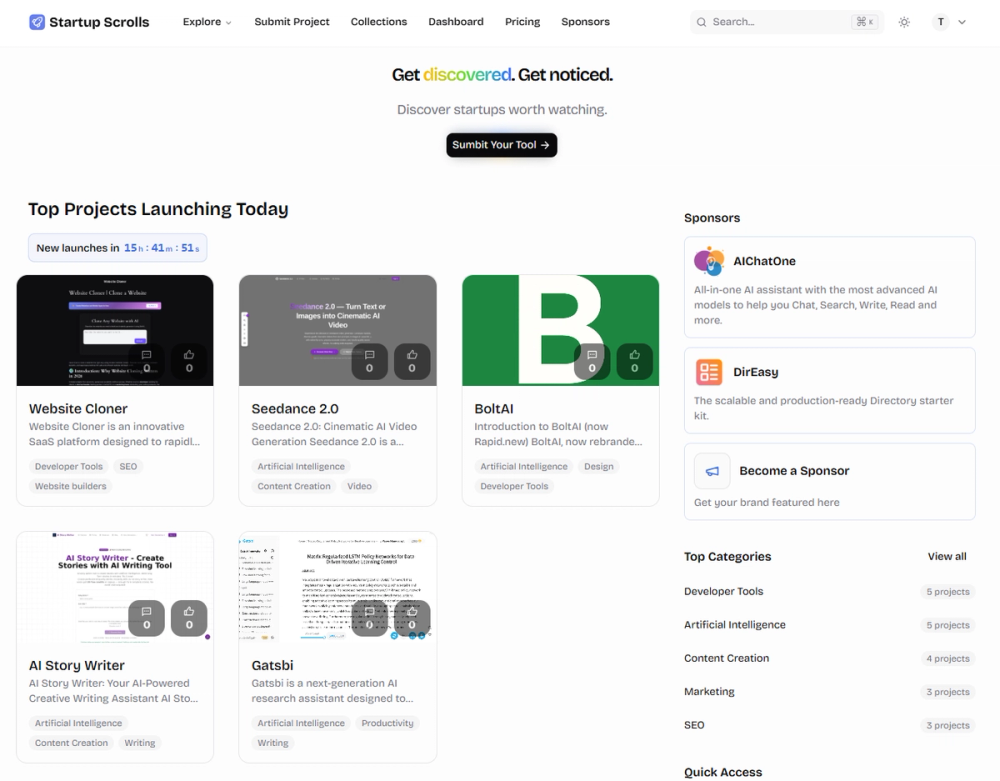
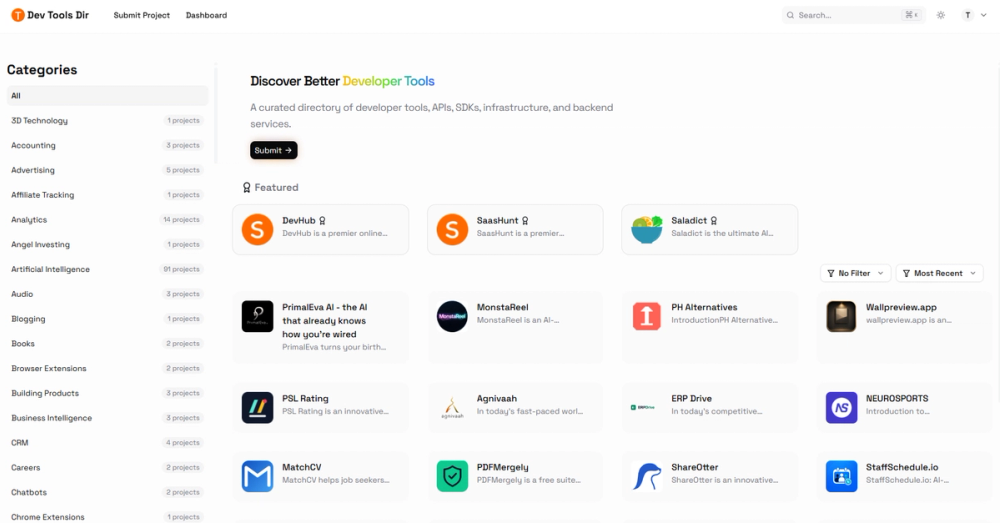
Dev Tools Dir is a curated software directory focused on developer tools, APIs, SDKs, infrastructure, and backend services. Unlike general-purpose product launch platforms, the site organizes its listings by technical function - covering categories like developer tools (37 projects), marketing (35), productivity (35), AI (91), and SEO (23) - giving developers a structured way to find tools by use case rather than popularity alone. The directory also features upvote-based rankings, featured product sections, and editorial blog content reviewing individual products.
Key Features
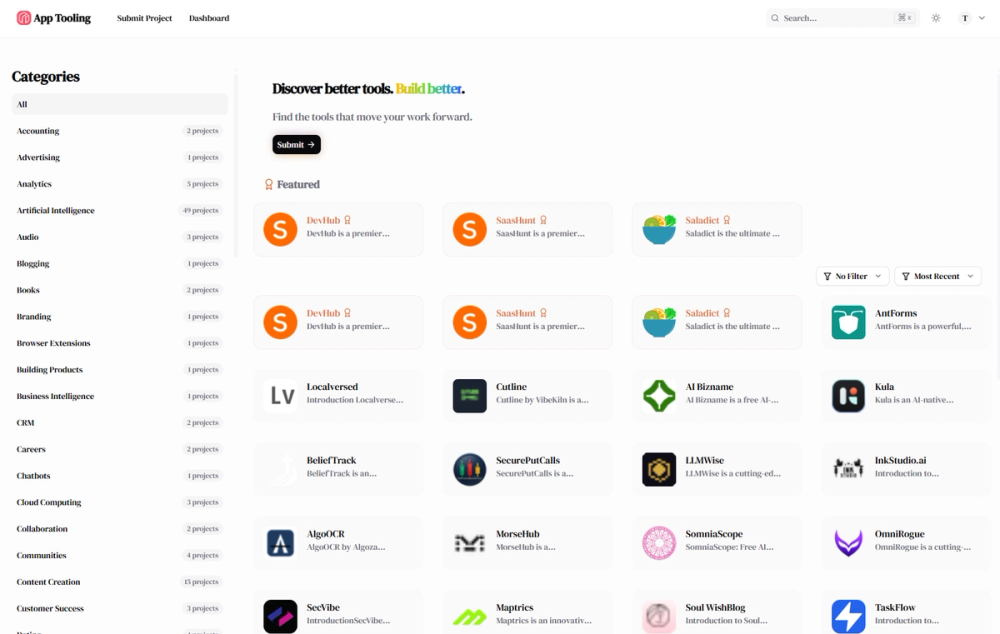
- Technical Category System - Products are organized across more than 70 specific categories, from developer tools and APIs to databases, cloud computing, security, and monitoring. This granularity lets developers filter by the exact type of tool they need rather than scrolling through broad groupings.
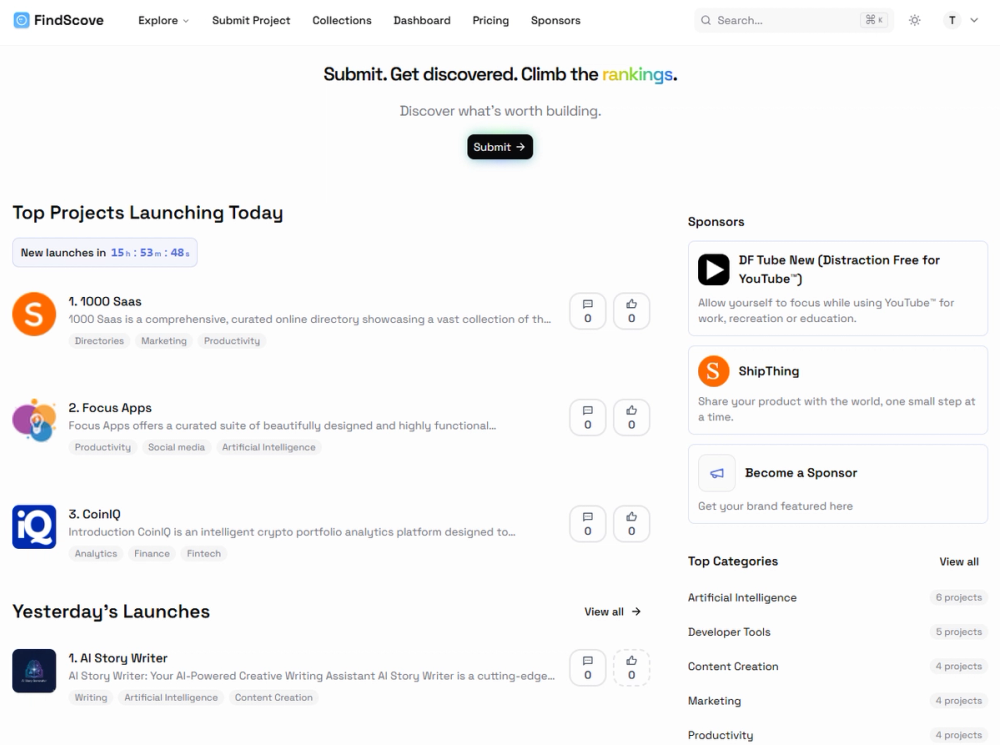
- Community Upvoting - Products earn visibility through upvotes, with daily, weekly, and monthly ranking cycles. This keeps the directory current and surfaces tools that gain genuine traction over time.
- Featured Product Spotlights - The homepage highlights select products (such as DevHub, SaasHunt, and Saladict) with longer editorial descriptions, giving readers more context than a standard directory listing provides.
- Product Submission - Makers can submit their projects for inclusion. The site offers both free and paid submission paths, with paid options providing enhanced visibility and promotional placement.
- Blog with Product Reviews - A blog section publishes editorial reviews of individual tools (e.g., BoxWatch, Femora Care, Cuugo, CoachingPortal, JustCopy.ai), adding curated analysis alongside the community-ranked listings.
Use Cases
For developers building a tech stack, Dev Tools Dir provides a categorized starting point. Instead of searching broadly for "the best API tool" or "monitoring solution," a developer can navigate directly to the relevant category and see what the community has upvoted. The developer tools, APIs, and infrastructure categories are the most practical entry point for this audience.
For startup founders evaluating SaaS tools across different functions - marketing automation, CRM, analytics, or project management - the directory's breadth across business categories offers a single place to compare options. The featured product spotlights add editorial context that helps narrow choices.
For makers launching a new tool, the directory provides a distribution channel with category-specific visibility. Getting listed in the right category (e.g., "Developer Tools" or "Monitoring") means the product appears in front of people actively looking for that type of solution.
Pricing
Dev Tools Dir operates on a freemium model. Browsing, searching, and upvoting products require no account or payment. For makers, the site offers free product submission alongside paid options for enhanced visibility, promotional placement, and sponsorship. The exact pricing details for paid tiers are not fully visible on the fetched pages - readers should check the site's pricing section for current rates.
User Experience and Support
The interface is clean and navigable, with category browsing, featured products, and trending lists clearly organized on the homepage. An account is optional for browsing and only needed for submission or voting. The site includes FAQ, legal pages, and blog content. Support channels beyond the site structure are not explicitly detailed on the public pages.
Technical Details
Dev Tools Dir is a web-based platform built by DirEasy. It functions as a standard product directory with category filtering, vote tracking, and featured product management. No API documentation, developer tools, or technical integration details are visible on the public pages.
Pros and Cons
Pros
- Category system with 70+ specific groupings makes it practical to find tools by exact function
- Community upvoting surfaces tools with genuine user validation
- Featured product spotlights add editorial context beyond basic listings
- Free browsing and voting with no account required
- Blog reviews provide curated analysis of individual products
Cons
- Product volume in some categories is modest, so the directory may not yet cover every niche tool
- Paid submission pricing details are not transparently displayed on the public pages
- The reliance on user submissions means category coverage depends on maker participation
- No visible API or developer integration tools
- Support channels and response times are not documented publicly
FAQ
What is Dev Tools Dir?
Dev Tools Dir is a curated software directory focused on developer tools, APIs, SDKs, infrastructure, and backend services. Products are organized into 70+ categories and ranked by community upvotes across daily, weekly, and monthly cycles.
How are products ranked?
Products are ranked by community upvotes. The site tracks daily, weekly, and monthly top-performing products. Featured product spotlights on the homepage provide editorial visibility beyond the voting system.
Can I submit my product for free?
Yes. Dev Tools Dir offers free product submission. Paid options are also available for enhanced visibility, promotional placement, and sponsorship. Check the site's pricing section for current rates.
What categories does the directory cover?
The directory covers more than 70 categories including developer tools (37 projects), AI (91), marketing (35), productivity (35), SEO (23), monitoring (13), security (11), and project management (11). Categories range from broad groupings to specific niches like form builders, PDF tools, and browser extensions.
Is there a blog or editorial content?
Yes. The site publishes editorial reviews of individual products in its blog section, providing curated analysis alongside the community-ranked directory listings.
Do I need an account to use the site?
No. Browsing, searching, and upvoting products require no account. An account is only needed to submit a product or participate in voting.
Conclusion
Dev Tools Dir fills a specific gap for developers who want to find tools by function rather than by marketing hype. The 70+ category system provides genuine navigational value, and the community upvoting helps surface tools that earn real user validation. For developers building a stack or founders evaluating SaaS options, the directory offers a practical starting point. Makers launching new tools get category-specific visibility in front of an audience actively searching for that type of solution. The directory's value will grow as its product volume increases across categories, so it is worth bookmarking and revisiting as the catalog expands.